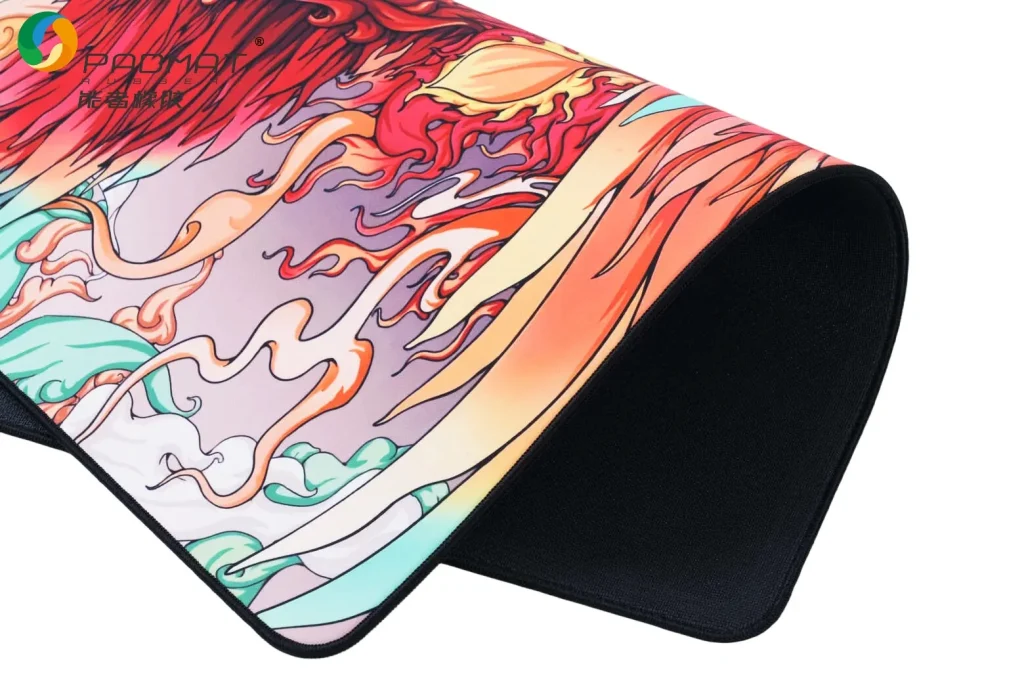
The Ultimate Guide to Mouse Pads: How to Choose, Use, and Maintain Them
A beginner-friendly guide packed with interactive tools, real-world advice, and visual inspiration.
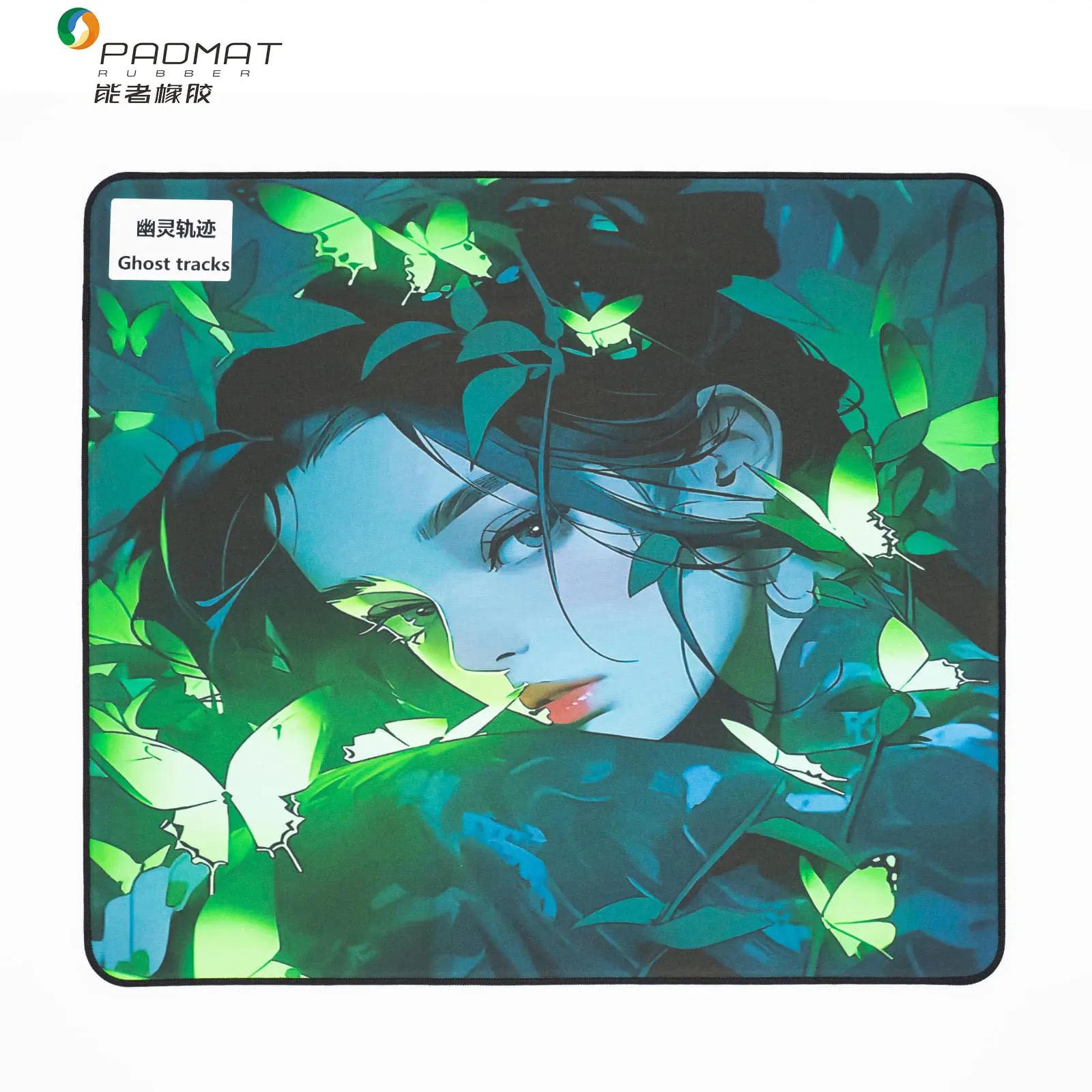
Premium custom mouse pad · Designed & produced by Padmat Rubber OEM Factory
Hi everyone—it's been a while since I last wrote an educational post. Today, let’s talk about one of the most overlooked yet surprisingly important computer peripherals: the mouse pad.
Mouse pads are probably the least appreciated piece of gear. You'll often see internet cafés pairing expensive mice with dirt-cheap pads. And honestly, that's a problem. Many low-cost mouse pads use recycled materials, and their rubber bases can even pose potential health concerns.
Key takeaway upfront: choosing a mouse pad is highly personal—you won't know what suits you until you try it. This guide is aimed at beginners.
Interactive Playground
Smart Pad Recommender
DPI: 800
Recommendation: Medium-large cloth pad with balanced glide
Material Matchmaker
High glide & low friction
Precision & stopping power
Long lifespan / easy cleaning
Balanced for office + gaming
Click any option to see your match
Thickness Simulator
Thickness: 3.0 mm
3mm: Responsive, ideal for fast-paced games & office work.
Ergonomic Advisor
Daily use: 6 hours
Recommendation: 3-4mm pad – optimal for standard workdays.
Pro Tip Generator
Click here — get a random expert insight
Cleanliness Checker
Gaming hours/week: 10
Recommendation: Deep clean every 3-4 weeks
1. A Brief History of Mouse Pads
📖 Read more on Wikipedia
🔗 External reference: comprehensive history and technical details
1968: The first computer mouse at Stanford University
Key point: Just like PC components, peripherals need to match each other. A great mouse paired with a bad mouse pad won't perform well.
2. Mouse Pad Q&A: Everything You Need to Know
3. Maintenance & Cleaning Studio
Cloth pad
Resin pad
Glass / Aluminum
Select a material above to view professional cleaning method.

Precision meets design: elevate your daily workflow
That's it for today's guide.
In the next post, we'll go deeper into advanced topics and finer details.