
Mouse Pad and Optical Mouse: How Surface Choice Affects Tracking Accuracy
In daily computer use, many people focus on mouse specifications while overlooking an equally important accessory—the mouse pad. In fact, the relationship between a mouse pad and optical mouse plays a crucial role in tracking accuracy, stability, and overall user experience.
To understand why mouse pads matter, it is essential to first look at how an optical mouse works.
How Does an Optical Mouse Work?

The working principle of an optical mouse is relatively straightforward. Simply put:
An optical mouse emits a light source onto the surface below, captures the reflected image through a sensor, and calculates movement based on changes in that reflected pattern.
This means that an optical mouse does not track movement in the air—it relies entirely on the surface beneath it. As a result, the material, texture, color, and reflectivity of a mouse pad directly affect how accurately the mouse can detect movement.
This is why the interaction between a mouse pad and optical mouse is far more important than many users realize.
Why an Inappropriate Surface Causes Tracking Issues
Many common mouse problems are not caused by the mouse itself, but by unsuitable surfaces. Typical issues include:
Cursor jitter or shaking
Inconsistent tracking
Loss of accuracy during fast movements
Occasional cursor freezing
These problems often occur when the mouse pad surface does not provide reliable optical feedback to the sensor.
Complex or High-Contrast Patterns
Lower-end or older optical mice may struggle on mouse pads with busy patterns or strong color contrasts. Different colors reflect light differently, which can confuse the sensor and lead to unstable tracking.
Smooth, Transparent, or Reflective Surfaces
Using an optical mouse directly on glass desks, polished surfaces, or transparent materials can significantly reduce tracking reliability. In some cases, the light passes through the surface instead of reflecting properly, causing the cursor to stop responding.
Uneven or Irregular Textures
Surfaces with inconsistent or overly coarse textures may generate noisy optical data, reducing tracking precision—especially during quick or precise movements.
From an Optical Perspective: What Makes a Good Mouse Pad?
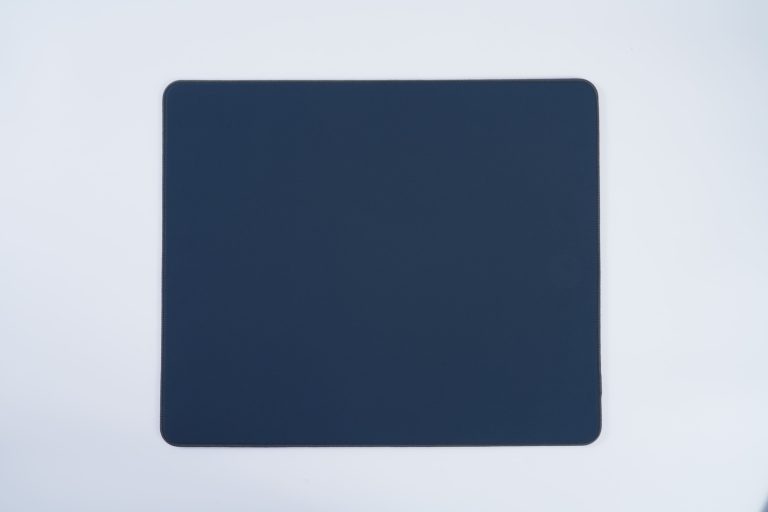
From a technical standpoint, optical sensors perform best on surfaces that are:
Dark or neutral in color
Evenly textured
Non-reflective
Colors such as black and dark blue provide stable light reflection, which is why most professional mouse pads use dark tones. Bright white, yellow, or highly reflective surfaces are more likely to interfere with optical tracking.
Although modern high-end optical mice have improved surface adaptability, a properly matched mouse pad and optical mouse combination remains essential for consistent performance.

How Mouse Pad Materials Affect Performance
Different mouse pad materials create different tracking experiences:
Cloth mouse pads
Offer balanced friction and wide compatibility, making them suitable for most optical and laser mice.Hard or glass mouse pads
Provide extremely smooth movement and high surface flatness.
Selecting the right mouse pad depends on both the mouse sensor and the user’s operating habits.
How to Choose the Right Mouse Pad for Daily Use
For most users, choosing a mouse pad does not need to be complicated. Practical recommendations include:
Select a mouse pad with a uniform surface texture
Avoid overly bright or complex color patterns
Cloth mouse pads are generally the most compatible option
Replace mouse pads that show wear, curling edges, or tracking issues
For gamers or users who require higher precision, choosing between speed-oriented or control-oriented mouse pads can further optimize performance.
Conclusion
Although often overlooked, the mouse pad plays a vital role in how an optical mouse performs. Understanding the relationship between a mouse pad and optical mouse helps users make better choices, avoid tracking issues, and achieve smoother, more reliable control.
In practice, optimal performance comes from the combination of a suitable mouse pad, a compatible optical mouse, and a stable working surface.
We’ve moved to a new factory!
Visit our booth at these global exhibitions!
Take a closer look at our beautiful mouse pads!
